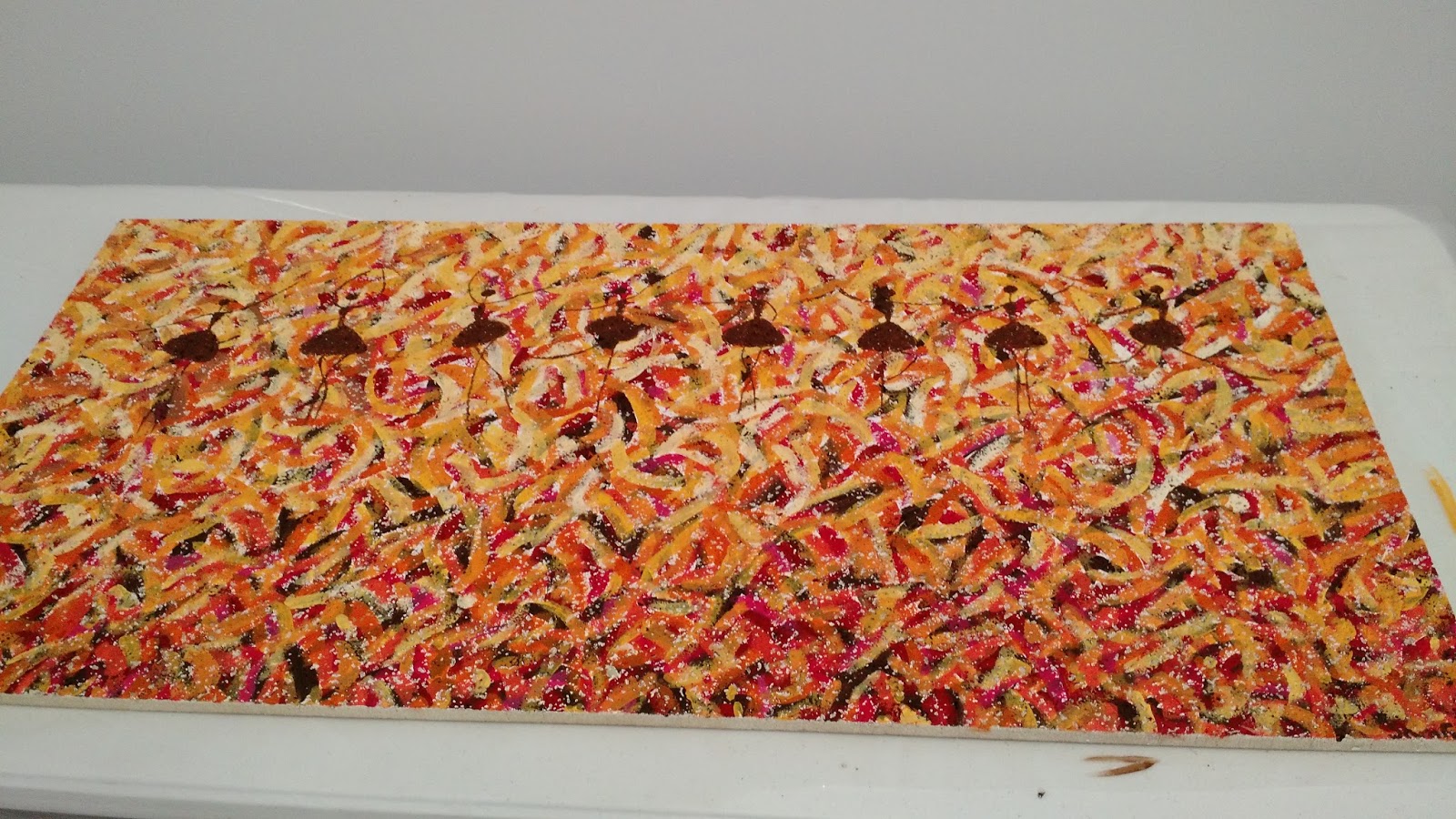
On Art Day, we also had the opportunity to invite our advanced students to paint ceiling tiles for our headquarters building. Selected students from all levels of art were invited to paint the tiles and I am so impressed with their work! It was a really great day and fun to get both groups together for a day of artmaking.
Showing posts with label painting. Show all posts
Friday, May 6, 2016
Art Day: Intervention and Supplemental Opportunities
Last year, I had a crazy idea to meet one of my failing seniors in the library and work with him to complete the art projects he needed to pass and graduate. It worked! He successfully completed art right in front of my eyes. At that point I thought it would be great to offer this opportunity to more students. Lots of organizing and paperwork later, Art Day was born!
Yesterday, myself and 3 other teachers on my team, met at our school headquarters to facilitate a day of making art with failing students, many of them seniors. We each invited our struggling students and set up a room with 5 different stations for various projects in Art 1. We provided lunch, materials, and instruction. The result was awesome! The students really enjoyed working side by side and creating artwork. They are also now all passing and I am hoping Art Day will give them the confidence to continue working on their own.
On Art Day, we also had the opportunity to invite our advanced students to paint ceiling tiles for our headquarters building. Selected students from all levels of art were invited to paint the tiles and I am so impressed with their work! It was a really great day and fun to get both groups together for a day of artmaking.
Thursday, January 14, 2016
Tablets as an Option for Art Making
I am getting very excited about next semester starting next week and I am preparing my semester 2 classroom with new technology on my mind! Big surprise right? I have been working with my team this semester to create tablet options for all of my Art 1 projects. Previously, all projects were required to be done on paper through traditional techniques. However, I have found that students really enjoy the option of creating a different way and it also benefits students who do not have art supplies or are having problems with their scanner. Also, having a digital option prepares them for all kinds of careers and it helps meet UDL guidelines. So, I have finally done it!
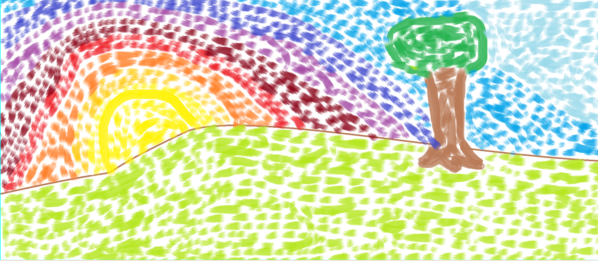
Each lesson in Art 1 offers two options for the assigned projects: a traditional option and a tablet option. All of my students have Android tablets to work on and all the apps I use in my class are free. Some of my projects offer a similar option for the tablet option as the traditional. For example, students may paint traditionally for their Impressionist Landscape, or they may use a painting app such as Sketch Guru.
Other assignments have a different way for students to show their understanding of a given concept. For example, for my proportion lesson involving foreground, middle, and background students are able to draw the interior space of a room with pencil, or they can create a digital collage using PicCollage. Both assignments accomplish the creation of a piece that shows depth and understanding of proportions but some students might prefer one over the other.
Some of these apps add additional materials for students to use that they would not have access to at home easily such as the texture tablet option. Students are learning about visual and tactile texture and then asked to either create a drawing showing 4 textures or create a sculpture showing 4 textures in TrueSculpt.
I thoroughly believe in teaching traditional art skills and would never want to move towards 100% digital in my classroom but I think options are important. I am excited for students to have the opportunity to experience more diverse materials in their art making and get a taste of digital art if they choose. Stay tuned!
Each lesson in Art 1 offers two options for the assigned projects: a traditional option and a tablet option. All of my students have Android tablets to work on and all the apps I use in my class are free. Some of my projects offer a similar option for the tablet option as the traditional. For example, students may paint traditionally for their Impressionist Landscape, or they may use a painting app such as Sketch Guru.
| Traditional watercolor |
| Using Sketch Guru |
| Traditional drawing |
| Using PicCollage to manipulate images |
| Traditional drawing |
![]() |
| Using TrueSculpt |
Shameless plug: I'll be giving a presentation at NAEA this year on Saturday at 2pm all about using free Android apps in your art classroom!
Labels:
android,
art,
art ed,
art education,
art making,
digital,
digital tools,
distance learning,
education technology,
elearning,
online education,
online learning,
painting,
PicCollage,
Sketch Guru,
tablet,
TrueSculpt
Subscribe to:
Posts (Atom)