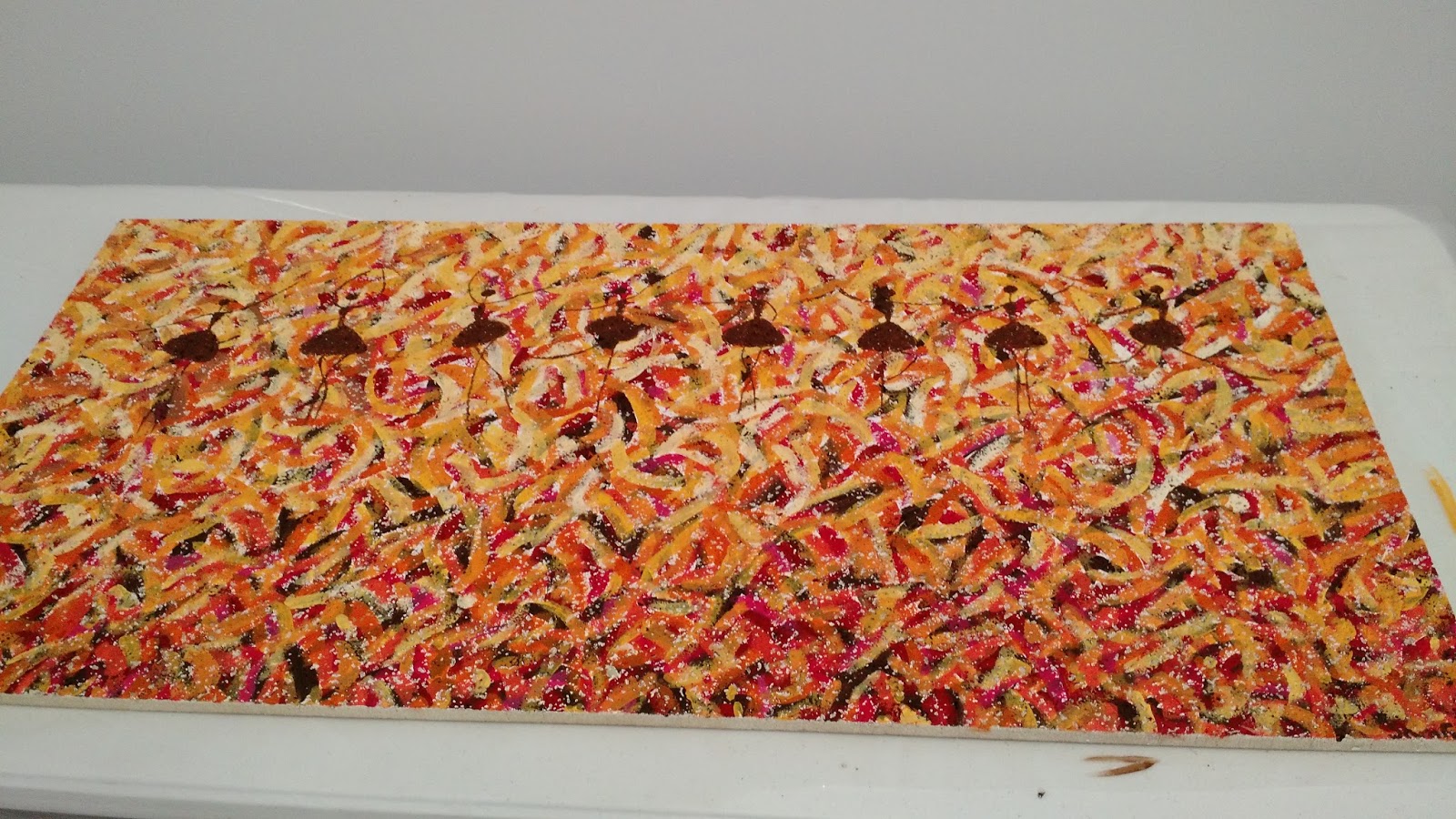
On Art Day, we also had the opportunity to invite our advanced students to paint ceiling tiles for our headquarters building. Selected students from all levels of art were invited to paint the tiles and I am so impressed with their work! It was a really great day and fun to get both groups together for a day of artmaking.
Showing posts with label elearning. Show all posts
Friday, May 6, 2016
Art Day: Intervention and Supplemental Opportunities
Last year, I had a crazy idea to meet one of my failing seniors in the library and work with him to complete the art projects he needed to pass and graduate. It worked! He successfully completed art right in front of my eyes. At that point I thought it would be great to offer this opportunity to more students. Lots of organizing and paperwork later, Art Day was born!
Yesterday, myself and 3 other teachers on my team, met at our school headquarters to facilitate a day of making art with failing students, many of them seniors. We each invited our struggling students and set up a room with 5 different stations for various projects in Art 1. We provided lunch, materials, and instruction. The result was awesome! The students really enjoyed working side by side and creating artwork. They are also now all passing and I am hoping Art Day will give them the confidence to continue working on their own.
On Art Day, we also had the opportunity to invite our advanced students to paint ceiling tiles for our headquarters building. Selected students from all levels of art were invited to paint the tiles and I am so impressed with their work! It was a really great day and fun to get both groups together for a day of artmaking.
Wednesday, April 13, 2016
Aiming for Higher Achievement
Over the past 5 years, I have written about my passing rate, reluctant learners, and working to increase the number of students successfully passing my Art 1 class to earn their fine art credit. But this year, I have grown tired of pulling teeth for my students to achieve the minimum. I am tired of begging for students to do work when I really want them to learn more than the minimum, try more than the minimum, and achieve more than the minimum. So, I wrote a goal on my whiteboard that hangs in my office this year, "Aim for A's, not just passing."
Until this semester, I believe I have been aiming too low at times for my students. So, this semester I have been working through some new strategies to increased achievement, rather than simply pass rate. And, it is working!
Here is what I have been trying:
Until this semester, I believe I have been aiming too low at times for my students. So, this semester I have been working through some new strategies to increased achievement, rather than simply pass rate. And, it is working!
Here is what I have been trying:
| Page 1 of the catch-up packet |
- Emailing all students who are missing assignments from the previous week every Monday morning with helpful strategies and scaffolding worksheets when applicable
- Increasing my phone calls by an average of 20 more reaching out calls per week, encouraging students to complete their work and addressing any questions
- Freeing myself of the "passing packet" and replacing it with a catch-up packet (click here to download) which includes more weeks of art projects, better directions, and is marketed towards improving a student's grade with no promises of receiving a passing grade.
Surprisingly, students seem to gravitate towards the catch-up packet far more than they ever did the passing packet, and it doubles as an intervention tool for students with an IEP or who simply prefer to work in a worksheet-style method. It works well as a way to help students who were added late to the course get caught up as well.
We are only halfway through the semester and already I am seeing an overall 10% shift to higher achievement (letter grades) than at this time last semester!
With 2% more A's and 8% more C's (and 8% less D's) I am over the moon. Go students go!
Thursday, January 14, 2016
Tablets as an Option for Art Making
I am getting very excited about next semester starting next week and I am preparing my semester 2 classroom with new technology on my mind! Big surprise right? I have been working with my team this semester to create tablet options for all of my Art 1 projects. Previously, all projects were required to be done on paper through traditional techniques. However, I have found that students really enjoy the option of creating a different way and it also benefits students who do not have art supplies or are having problems with their scanner. Also, having a digital option prepares them for all kinds of careers and it helps meet UDL guidelines. So, I have finally done it!
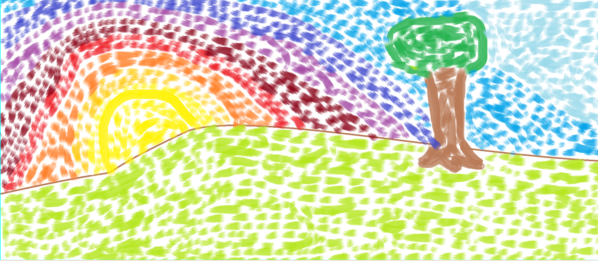
Each lesson in Art 1 offers two options for the assigned projects: a traditional option and a tablet option. All of my students have Android tablets to work on and all the apps I use in my class are free. Some of my projects offer a similar option for the tablet option as the traditional. For example, students may paint traditionally for their Impressionist Landscape, or they may use a painting app such as Sketch Guru.
Other assignments have a different way for students to show their understanding of a given concept. For example, for my proportion lesson involving foreground, middle, and background students are able to draw the interior space of a room with pencil, or they can create a digital collage using PicCollage. Both assignments accomplish the creation of a piece that shows depth and understanding of proportions but some students might prefer one over the other.
Some of these apps add additional materials for students to use that they would not have access to at home easily such as the texture tablet option. Students are learning about visual and tactile texture and then asked to either create a drawing showing 4 textures or create a sculpture showing 4 textures in TrueSculpt.
I thoroughly believe in teaching traditional art skills and would never want to move towards 100% digital in my classroom but I think options are important. I am excited for students to have the opportunity to experience more diverse materials in their art making and get a taste of digital art if they choose. Stay tuned!
Each lesson in Art 1 offers two options for the assigned projects: a traditional option and a tablet option. All of my students have Android tablets to work on and all the apps I use in my class are free. Some of my projects offer a similar option for the tablet option as the traditional. For example, students may paint traditionally for their Impressionist Landscape, or they may use a painting app such as Sketch Guru.
| Traditional watercolor |
| Using Sketch Guru |
| Traditional drawing |
| Using PicCollage to manipulate images |
| Traditional drawing |
![]() |
| Using TrueSculpt |
Shameless plug: I'll be giving a presentation at NAEA this year on Saturday at 2pm all about using free Android apps in your art classroom!
Labels:
android,
art,
art ed,
art education,
art making,
digital,
digital tools,
distance learning,
education technology,
elearning,
online education,
online learning,
painting,
PicCollage,
Sketch Guru,
tablet,
TrueSculpt
Thursday, October 15, 2015
Scheduling to Help All Students
As I have written about before, phone calls are a major way that I reach out to students in my courses each semester. Phone calls act as one-on-one time between myself and a student (or sometimes their voicemail) in an effort to connect and engage. I am guilty sometimes of focusing more of my time on re-engaging reluctant learners rather than building up my students who are engaging consistently. This year I have made a plan to help myself stay on track with giving each and every student the attention they deserve.
This schedule helps me have target groups selected to focus on throughout the semester in a way that makes sure no student goes very long without hearing from me. For the first time in a while I was able to reach out to the parents of my students who are doing excellent in my course. I also mailed achievement postcards to students with high live session attendance. This schedule has kept me on track and balanced this year and my student engagement is higher as well.
Tuesday, April 21, 2015
Active Learning in the (Online) Art Classroom
As part of my the Online Teaching and Learning Certificate I am currently pursuing, I recently took a course all about creating interactive learning objects for my classroom. A learning object is an interactive activity which presents lesson material to students in a way that offers opportunities for practice and sometimes employ digital storytelling. Learning objects are great because they allow students to explore a topic at their own pace, offer practice and feedback, and sometimes even provide branching (think choose your own adventure) that takes a student through a branch based on their responses. The possibilities are endless and learning objects can be implemented in all types of learning environments including brick and mortar or blended art rooms. They can be a great opportunity for independent learning, without being as static as book work.
Creating a learning object can be hard work! I spent weeks creating one all about Feldman's Model of Art Criticism that puts students in the role of the art critic. I used Articulate Storyline to create my learning object which provides many interactive features and is fairly intuitive to use. This tool does have a cost associated with it, but there are many free tools available (click here for a list) and it is even possible to create learning objects through Microsoft Powerpoint by adding links to buttons.
But, there is an easier way to start using learning objects (LO's) in your art classroom without creating them. There are many art education learning objects already created online.
Here are some of my favorite Art Ed learning objects:
Creating a learning object can be hard work! I spent weeks creating one all about Feldman's Model of Art Criticism that puts students in the role of the art critic. I used Articulate Storyline to create my learning object which provides many interactive features and is fairly intuitive to use. This tool does have a cost associated with it, but there are many free tools available (click here for a list) and it is even possible to create learning objects through Microsoft Powerpoint by adding links to buttons.
But, there is an easier way to start using learning objects (LO's) in your art classroom without creating them. There are many art education learning objects already created online.
Here are some of my favorite Art Ed learning objects:
This activity is the one I created which puts the student in the role of the art critic and presents Feldman's Model of Art Criticism.
This LO allows the student to explore the elements of art and practice using them in a free form composition tool.
This LO allows students to test the affects of a manual DSLR camera.
This LO explores the color wheel, tints, tones, shades, and color schemes. It also allows for students to practice blending colors and building their own color wheel.
These links barely scratch the surface of what is out there so explore on your own as well. I have really enjoyed learning about new ways to insert some interactivity into my asynchronous environment and I hope you enjoy them too!
Subscribe to:
Posts (Atom)